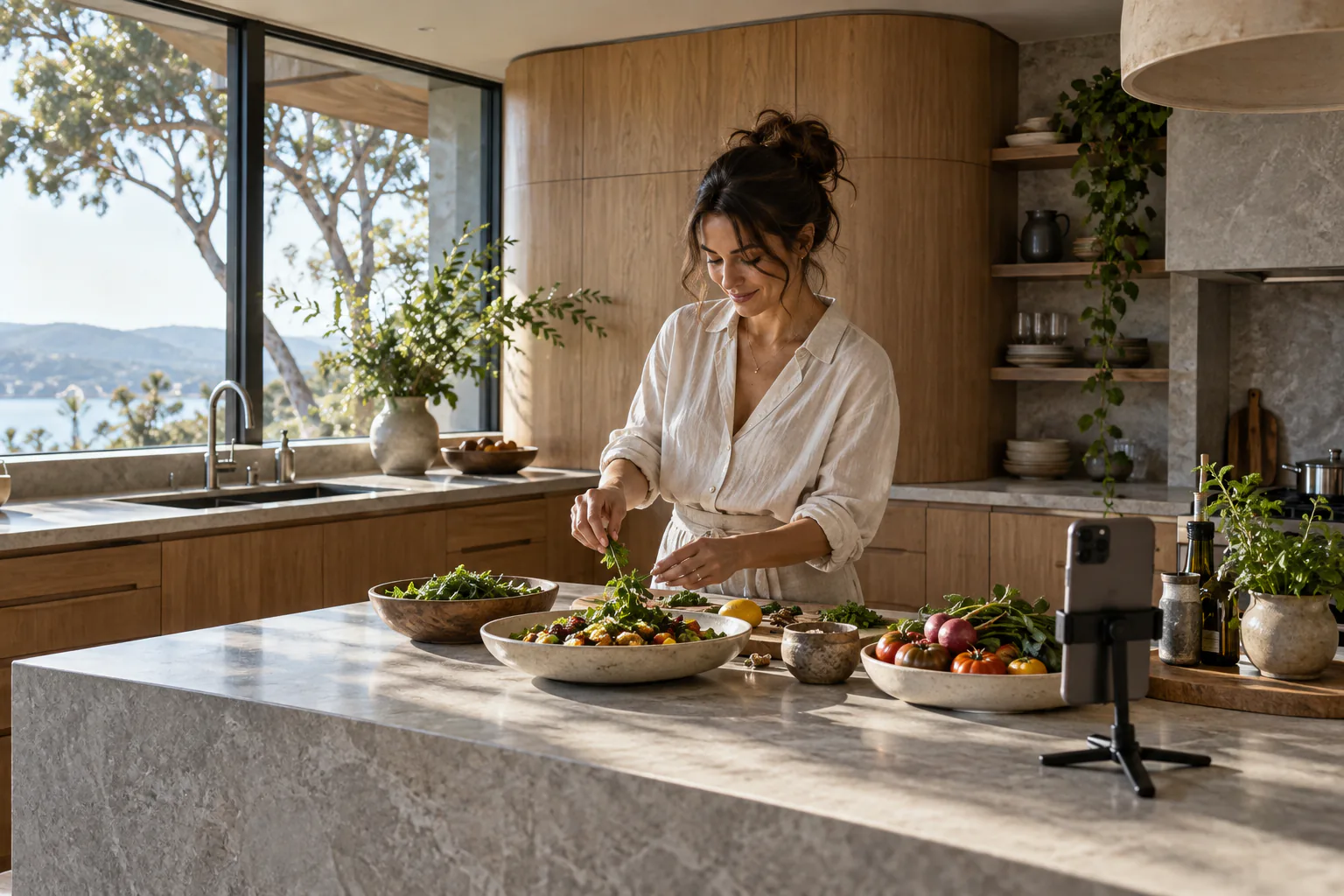
Record it on set.
Finish it in the studio.
The companion app turns a template’s shooting plan into a guided recording session. Shoot each scene against its shot list in portrait, landscape or square, review and select your takes, then tap Finish in moviefactory.ai to hand the story and the chosen clips to the studio as one production package.
From your pocket to the timeline.
The companion app turns a template’s shooting plan into a guided recording session. Shoot each scene against its shot list in portrait, landscape or square, review and select your takes, then tap Finish in moviefactory.ai to hand the story and the chosen clips to the studio as one production package.
- Scene-by-scene prompts from the shooting plan, recorded in 9:16, 16:9 or 1:1
- Trims, playback speed and framing travel with every selected take
- The package opens in Edit & export as its own project; nothing is uploaded to a server
- Mix recorded footage with generated shots, stills and sound in the same timeline
- Shoot each scene
Record against the shooting plan in portrait, landscape or square, take after take.
- Select your takes
Review, trim and set playback speed. Only selected takes travel; private notes stay on the device.
- Finish in moviefactory.ai
One tap prepares a production package with the story and the chosen clips. Save or share the file.
- Open it in the studio
Import the package from the project chooser. It opens in Edit & export as its own browser-local project.
- Up to 50 MB per clip
- Up to 10 minutes per cut
- 720p portrait, landscape or square
- No account or upload required
Your story deserves
to be a film.
Join the moviefactory.ai early-access community. Bring your ideas, your perspective and your ambition. Help shape a filmmaking studio built for independent voices everywhere.