Skip to content
PRODUCTION GRAPH / PRODUCTION INTELLIGENCE

Every take.
A traceable history.

The production graph connects reference versions, shot specifications, source media and approved cuts. Trace a candidate, review changes and keep earlier work.

FROM INTENT TO AN APPROVED TAKE

Change a reference. See what it touches.

Move the production forward without rewriting its history.

01

Keep the exact references behind a shot

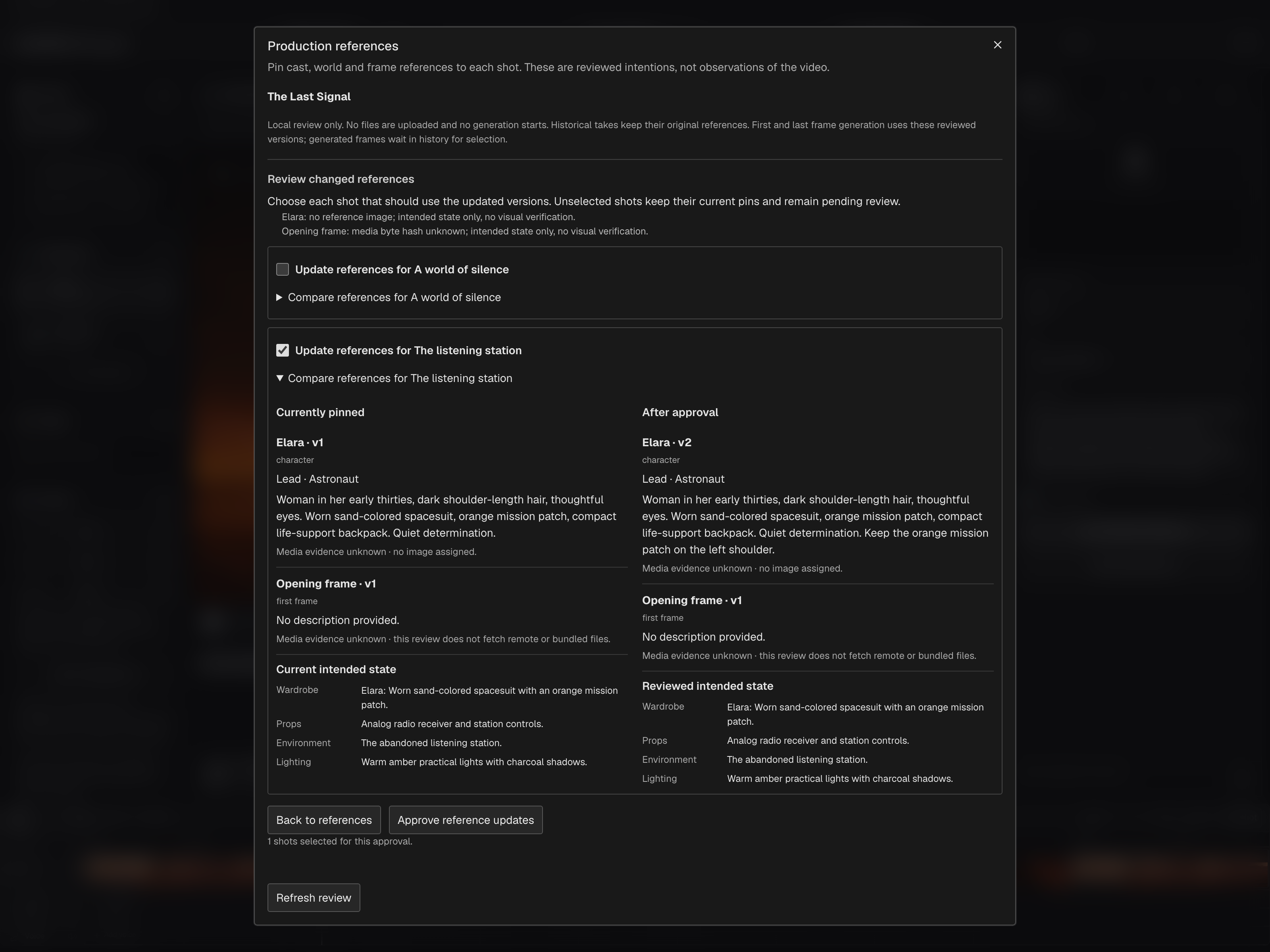
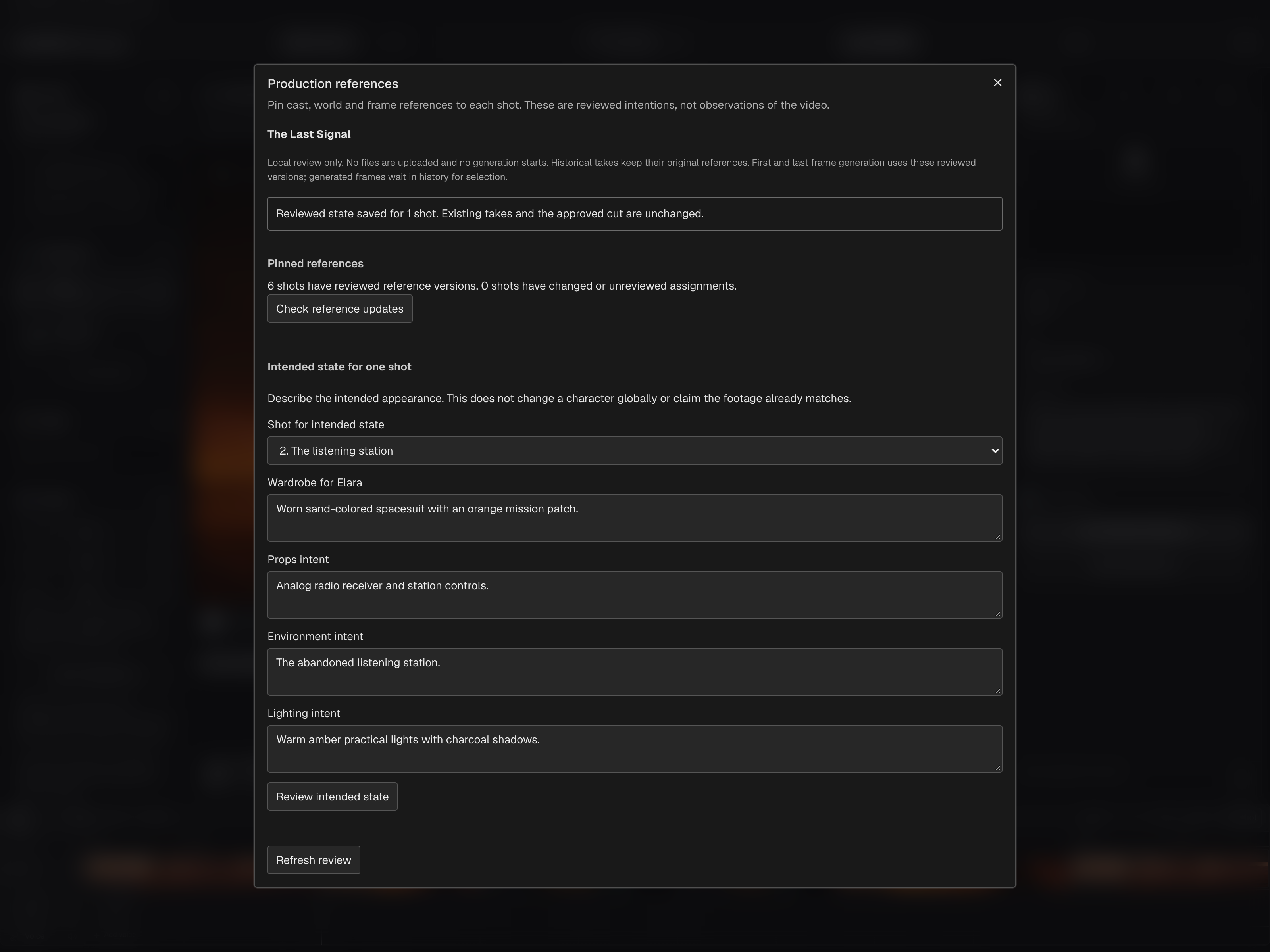
Reviewed shot specifications pin reference versions and scoped intent. A character, location or prop can change without rewriting the versions recorded behind an earlier take. Matching versions describe the production plan; they do not prove the appearance of generated footage.

Production references and reviewed shot specifications

02

Choose which shots adopt a change

In the browser, inspect affected shots and review the before-and-after pins before adopting a changed reference. Mac reference review can update the selected scene or all scenes. Saved specifications and existing takes keep their history, and changing a reference does not replace footage.

Browser → Production references · Mac → Shot Frames → Review References…

03

Reuse assets without rewriting a film

Approved library versions are immutable. Complete sets pin their member versions and variants, and each film receives an independent copy with its original files. Editing or deleting a catalog entry does not silently change an existing film or set composition.

Asset Library → Approved versions and film assignments

04

Trace a candidate to its source

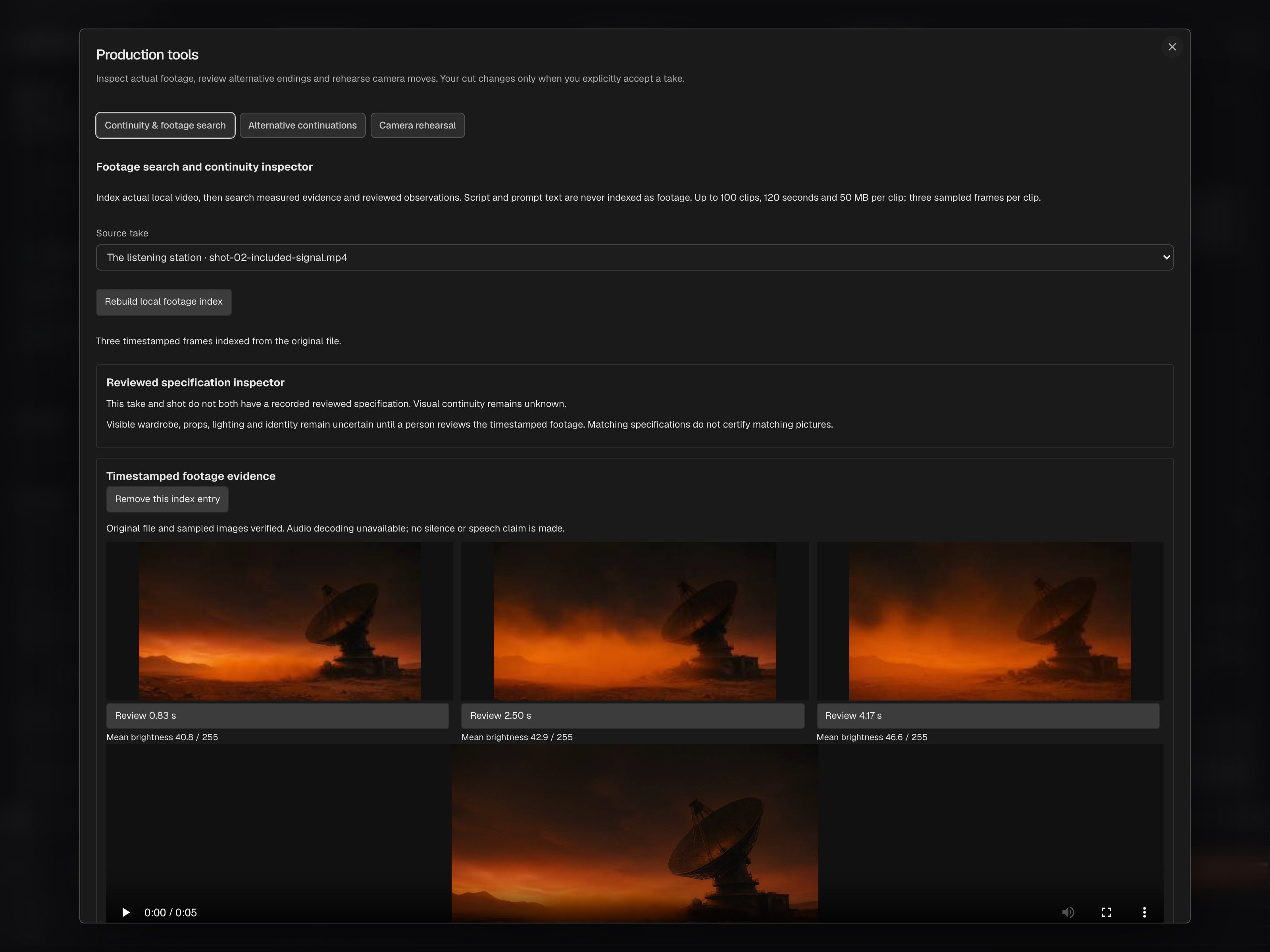
Generated and locally processed takes retain their source relationships, recorded inputs and recipes. Review a complete local batch before accepting it, or compare alternative ending branches while retaining the opening and source media. A new candidate leaves the approved cut intact.

Generation history · Take review · Local Director

05

Record the decision to use a take

Explicitly choose the candidate that enters the cut; source media and recorded recipes remain available. Browser director acceptance records a timeline revision, while Mac selection updates the scene and retained takes with a saved checkpoint and Undo. Review checks reject stale or changed work where an earlier approval no longer applies.

Browser → Candidate comparison → Accept · Mac → Generate Video → Use in Cut

06

Carry supported history with the project

Keep supported story, references, source media and accepted-take history in a production package. Native archives collect linked originals for Mac backup; .movieassets packs separately carry selected library versions and required set members. These formats have different scopes and do not synchronize devices automatically.

Project backup · Mac → Export Portable Backup · Asset Library → Export pack
The browser exposes affected-shot impact review; Mac offers selected-scene or all-scene reference review. Native local edits retain their own recipes and acceptance rules. Supported packages preserve known history, while pending native edits require their native review workflow.

ONE DECISION, IN PRACTICE

How the pieces connect.

Move the production forward without rewriting its history.

THE LAST SIGNAL / SHOT 02ILLUSTRATIVE DEPENDENCIES
Maya · ref v2Shot spec · v4Take · 03Cut · v1
PROPOSED CHANGE

A new jacket for the control-room scene.

Save a new asset version and review the film shots to update. Both browser and Mac approve shot references; the browser also shows each affected shot before you adopt a change.

ShotSceneImpact
01 / ApproachStation exteriorUnchanged
02 / RadioControl roomReview update
03 / ReactionControl roomReview update
ILLUSTRATIVE PRODUCTION EXAMPLE

Change a reference. See what it touches.

The production graph connects reference pins, shot specifications, takes and timeline versions. Reusable assets keep their own immutable versions and independent film copies. Choose what to update and preserve what was approved.

The browser exposes affected-shot impact review; Mac offers selected-scene or all-scene reference review. Native local edits retain their own recipes and acceptance rules. Supported packages preserve known history, while pending native edits require their native review workflow.

Return to the real studio captures
EARLY ACCESS / BETA WAITLIST

Your story deserves
to be a film.

Join the moviefactory.ai early-access community. Bring your ideas, your perspective and your ambition. Help shape a filmmaking studio built for independent voices everywhere.

MORE VOICES. MORE STORIES.moviefactory.ai